Ready from the start
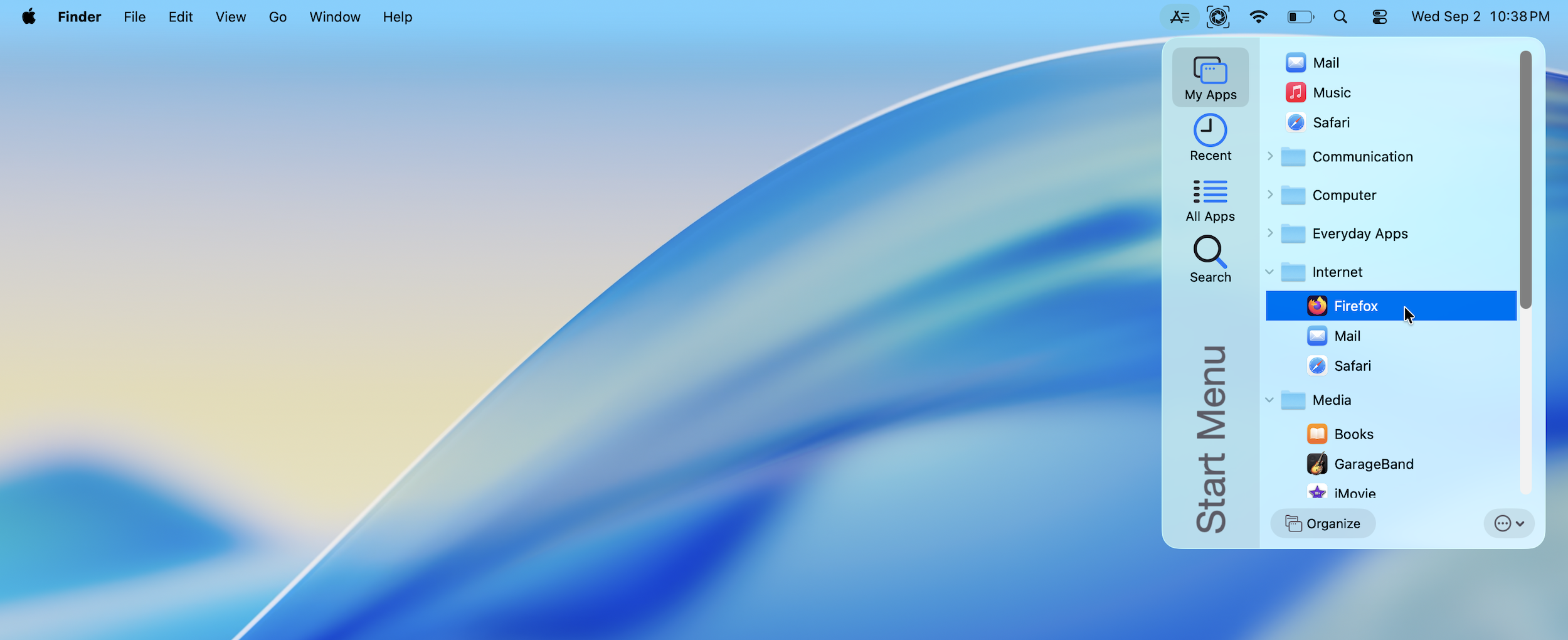
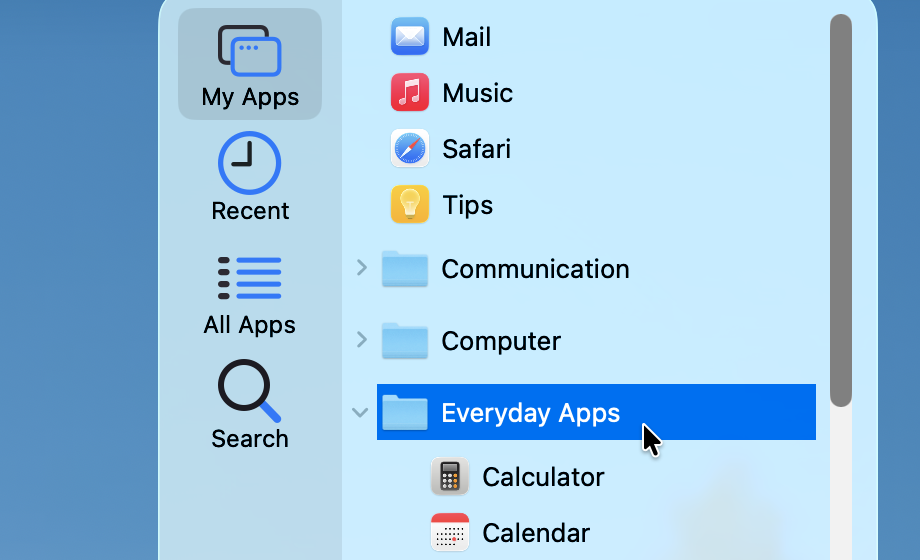
Out of the box, all your usual macOS apps, as well as many popular software titles, are organized into app categories.
Organize in a few clicks
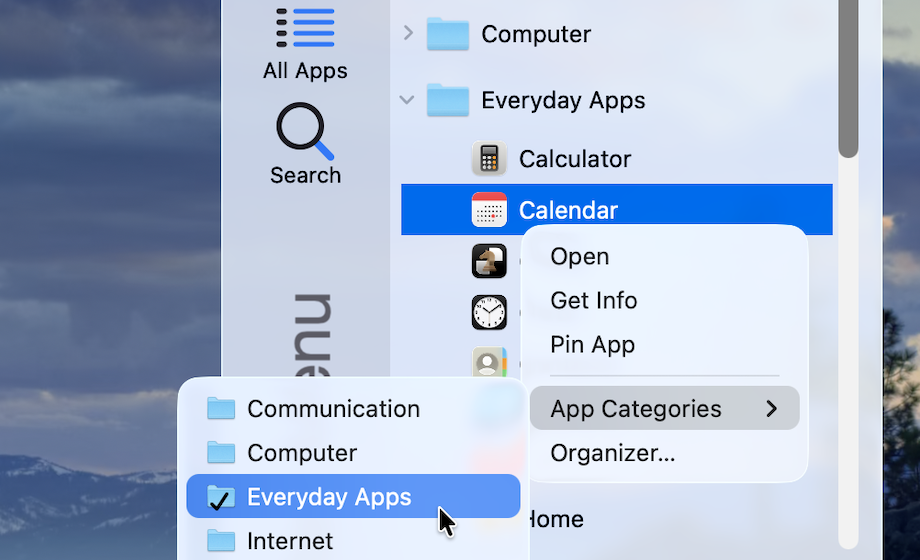
Use the default app categories as a starting point for organizing your apps. Pin your frequently-used apps to the My Apps menu for even easier access.
Meet the Organizer
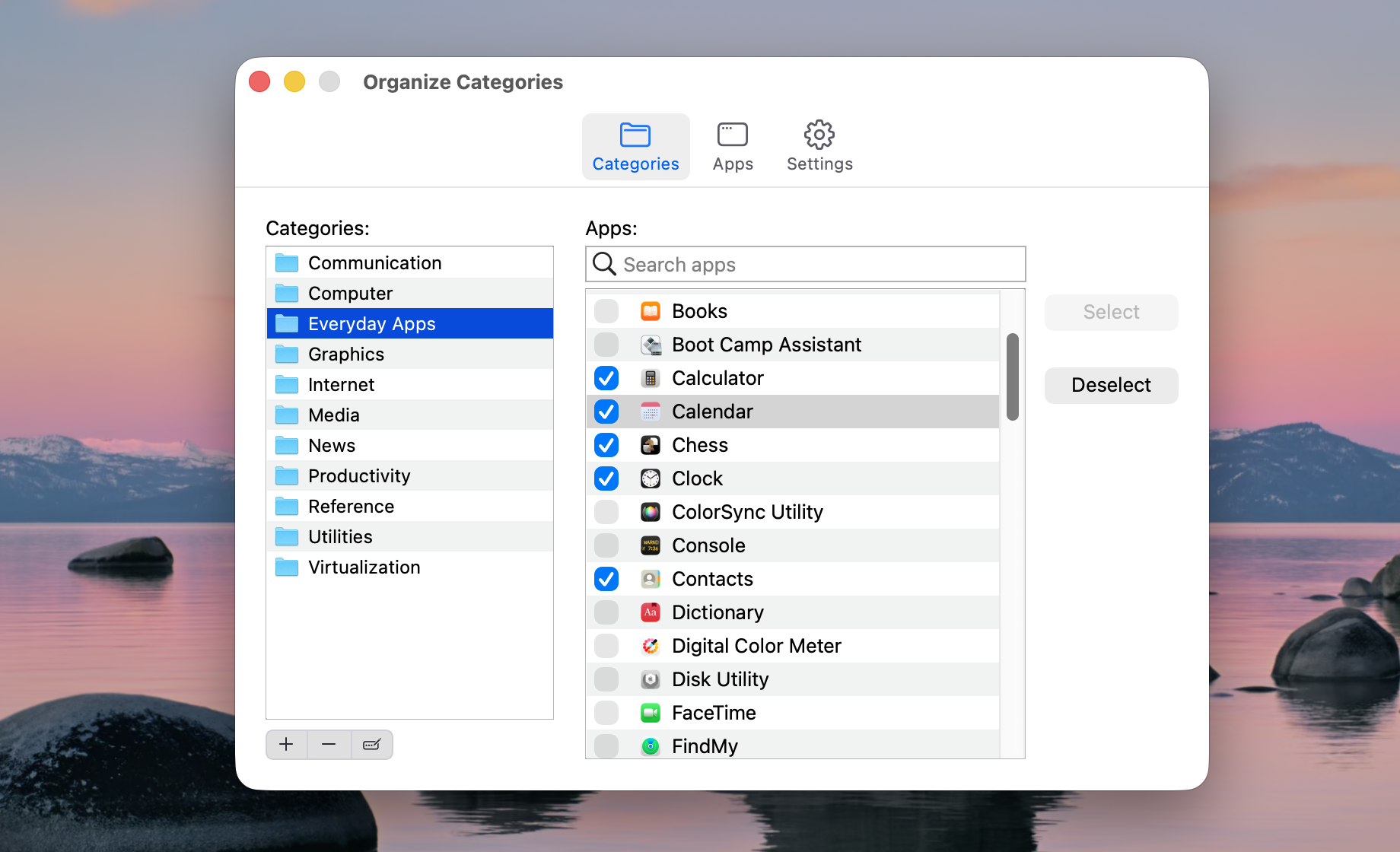
For greater control, use the Organizer to create, rename and delete app categories, and assign your apps to them.
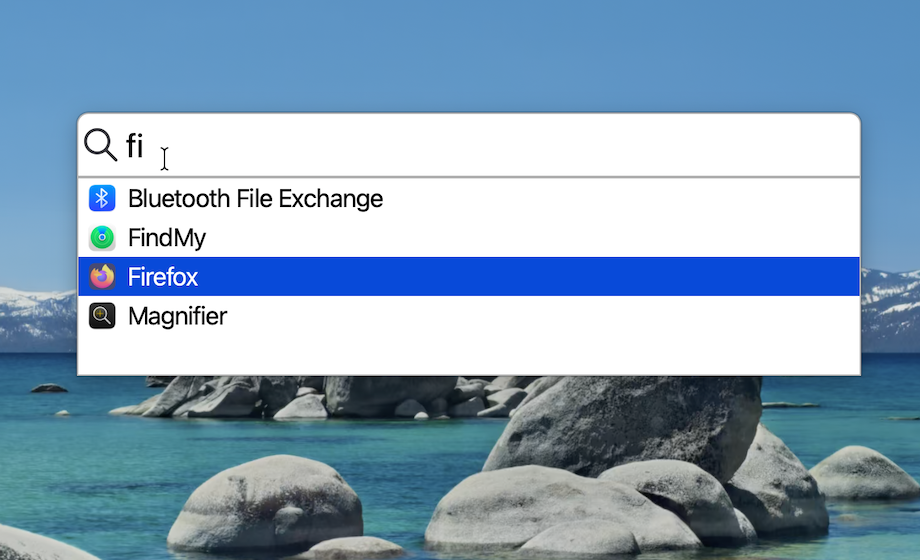
All your apps, at your fingertips
Browse your installed apps in the All Apps menu, or click Search to look for an app by name.
Other features
- Automatic detection of recently installed and removed apps
- Customize My Apps with options such as limiting expanded app categories to one at a time
- Set the maximum number of recently-launched apps that appear in Recent Apps
- Dark Mode support
- Multi-monitor support
- A clean and friendly design that gets out of your way