Bug fix: Crash on startup if an app that appeared in the Recent Apps menu was uninstalled
Bug fix: Sluggish UI responsiveness when launching an app that doesn't open a window by default, e.g. Docker
Bug fix: In System Settings, the Login Items name for Start Menu for Mac shows the developer name, not app name
Other fixes and improvements
Installation Instructions
Download Start Menu for Mac by clicking the Download button above for your Mac’s processor (Apple Silicon or Intel).
Double-click the downloaded DMG file to open.
In the window that appears, click the Start Menu icon and drag it to the Applications folder.
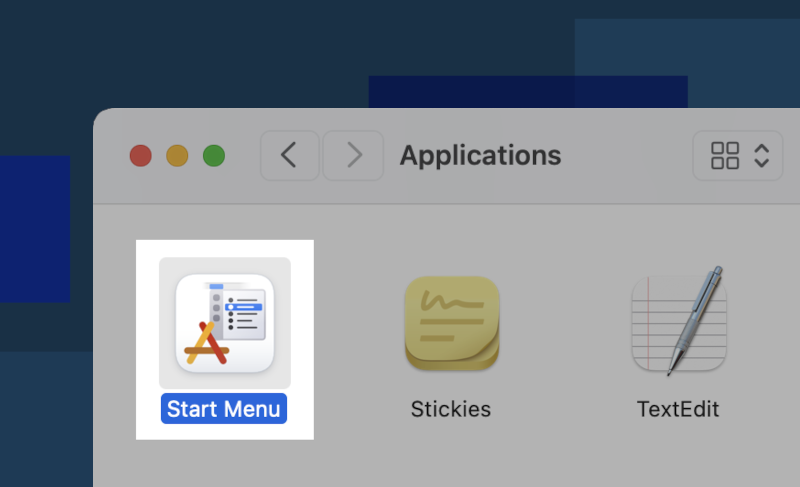
To launch Start Menu for Mac, click the Start Menu icon in Applications.
Things You Should Know About
Start Menu for Mac is currently in beta testing. Test builds will expire 90 days after installation,
after which it will stop working.
If you installed an older beta release, uninstall it first before installing the latest release. Automatic updating of Start Menu for Mac will be available starting in version 0.8.2.
Found a bug or have a feature suggestion? Go to the Help and Support page to learn how to reach out.